Open source · Athens public transport
Live bus arrivals for Athens.
OpenOASA is a free, open-source app for getting around Athens by bus and trolleybus. It shows when the next OASA bus reaches your stop, where every line runs, and its timetable, straight from OASA’s live data.
- Free
- No account
- No ads or analytics
- 6 languages


The iPhone app with live OASA data. The web and Android apps have the same screens.
What it is
An independent app for the buses of Athens.
OASA runs the buses and trolleybuses of Athens and publishes where they are, when they will reach each stop, and their timetables through its OASA Telematics service.
OpenOASA turns that data into an app that answers one question fast: when does my bus come? It opens on the stop you are standing at, and every other screen is one tap from there.
It is not made by OASA. It is an open-source project with native apps for iPhone and Android and a web app that runs in any browser, all with the same screens, light and dark appearance, and six languages.
- Seconds between live updates
- 5
- Apps: web, iPhone and Android
- 3
- Languages in every app
- 6
- Accounts, ads or analytics
- 0
What it does
Everything between you and the next bus.
-
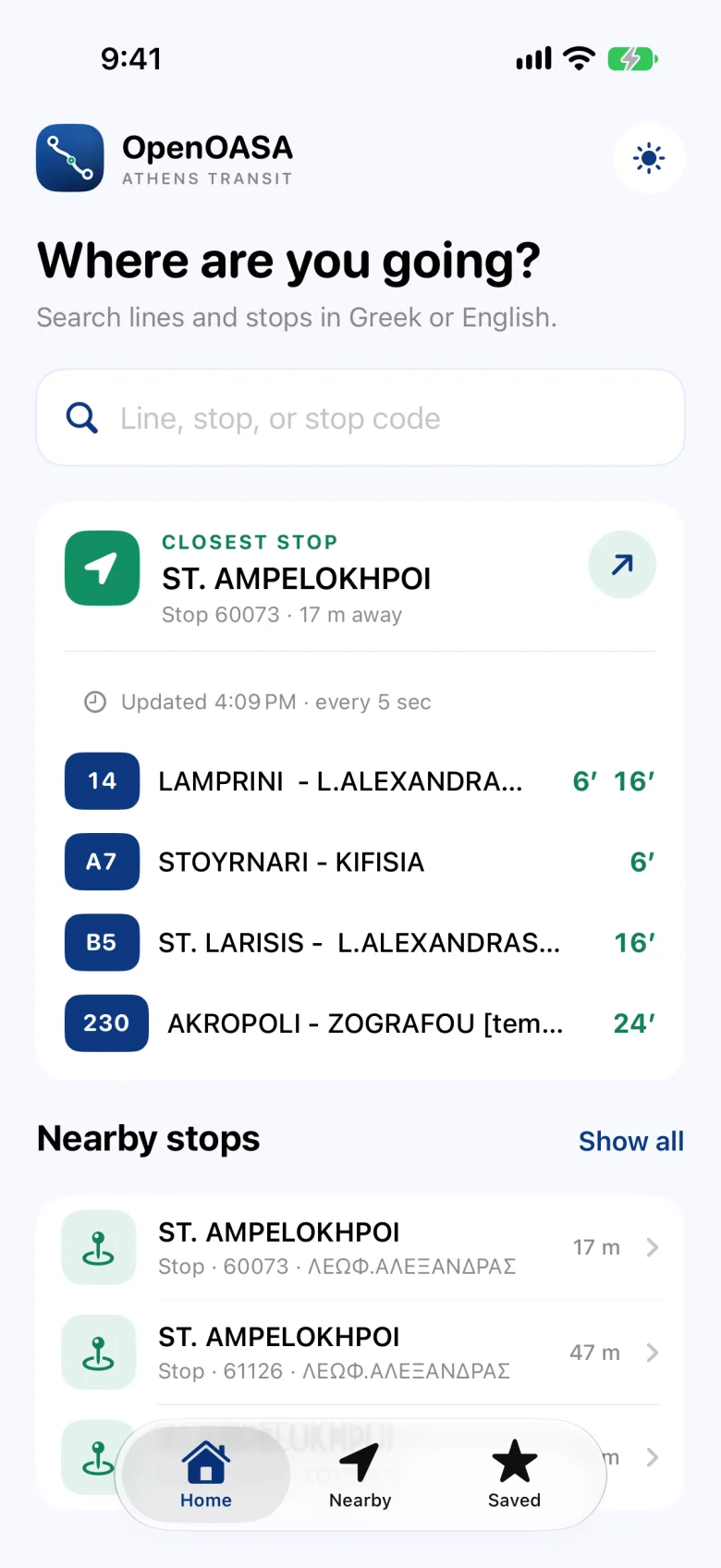
Your closest stop, first
The app finds the OASA stop nearest to you and opens on its next arrivals, refreshed every 5 seconds. The other stops within walking distance are listed below it.
-
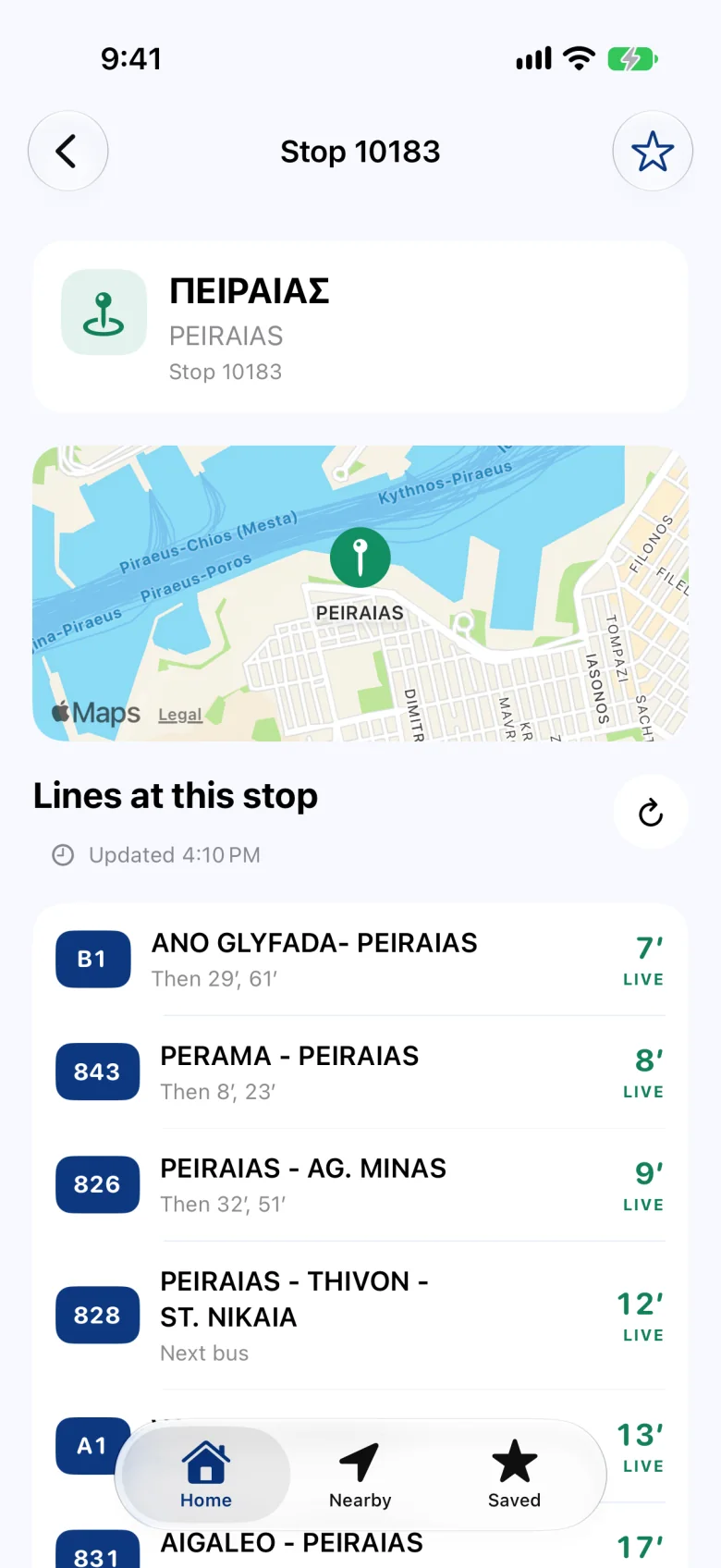
Every line at a stop
Minutes until each bus, marked Live when the time is OASA’s estimate for a bus it is tracking, with the arrivals after that. You see when it last updated, and can refresh it yourself.
-
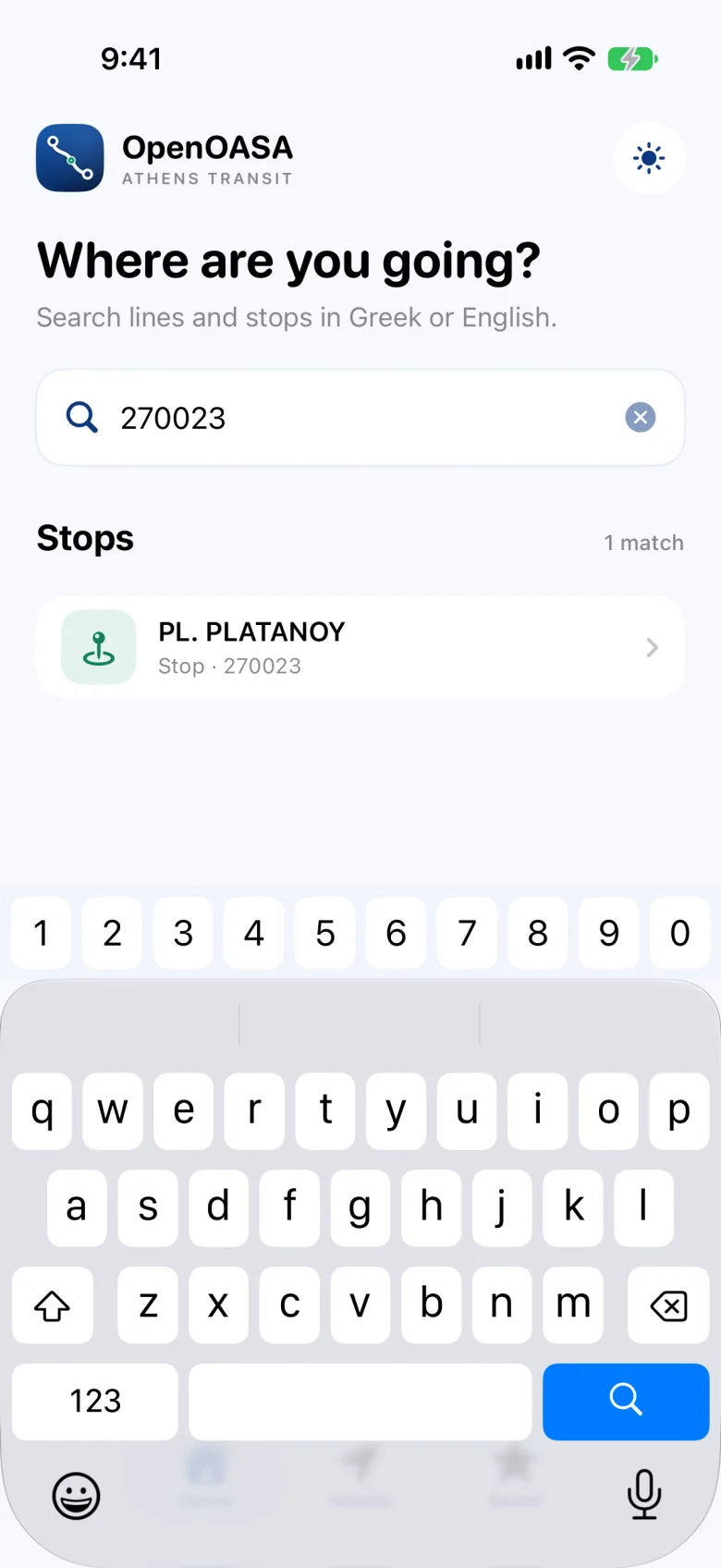
One search for everything
Type a line number, a stop name in Greek or English, or the code printed on the stop sign. Lines and stops come back in one list.
-
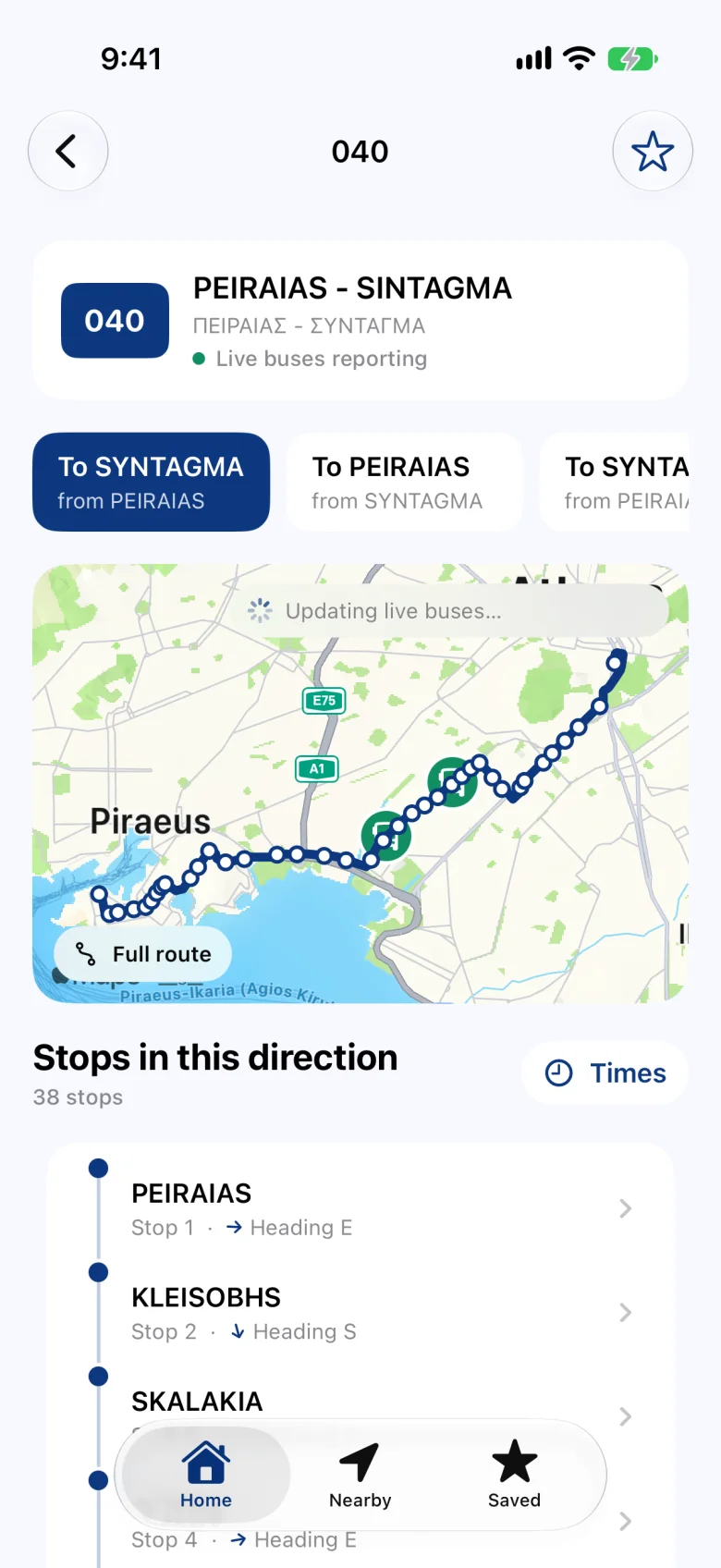
Lines and the buses on them
A line’s route on the map in each direction, every stop along it, and the buses currently reporting their position.
-
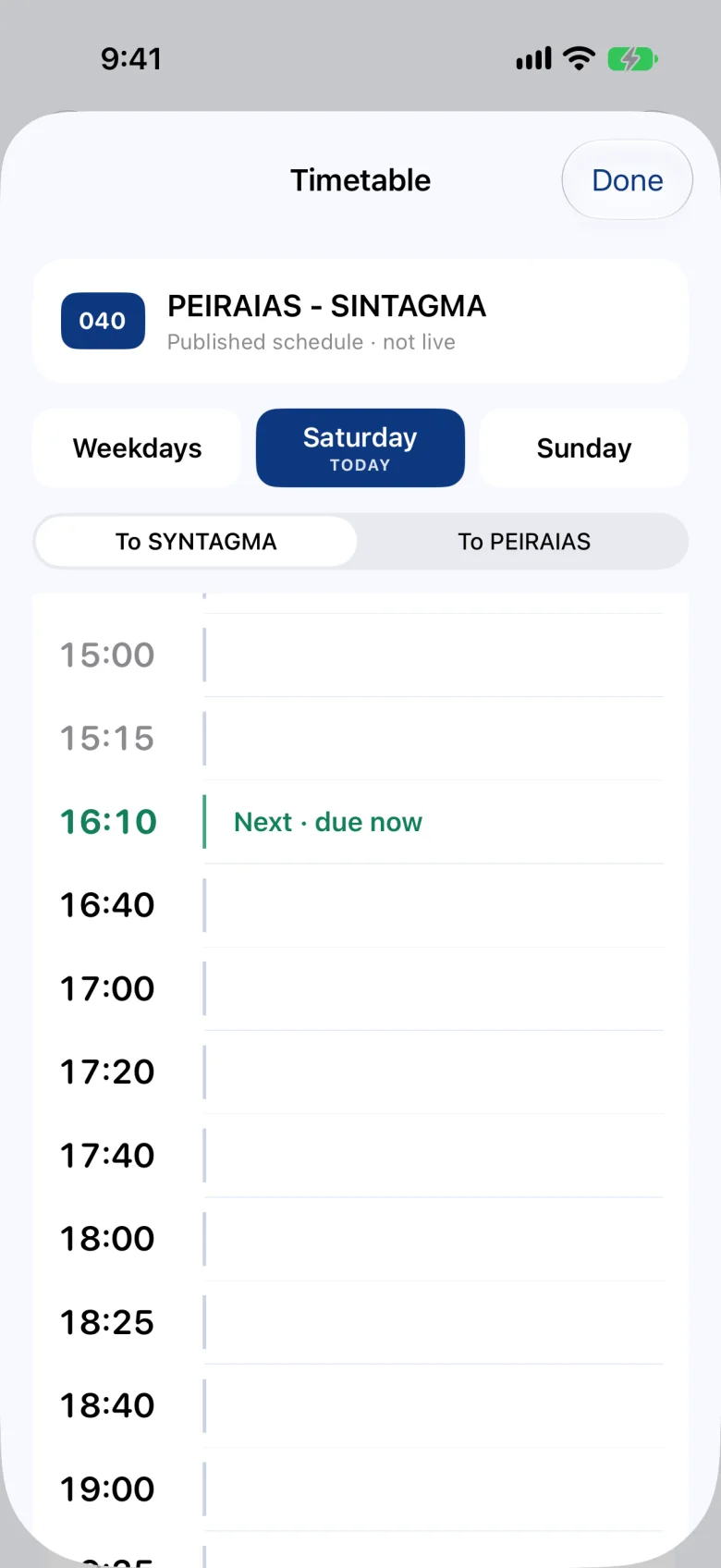
Timetables, clearly labelled
OASA’s published departures for weekdays, Saturday and Sunday, in both directions. Scheduled times are labelled as such, so they are never mistaken for live ones.
-
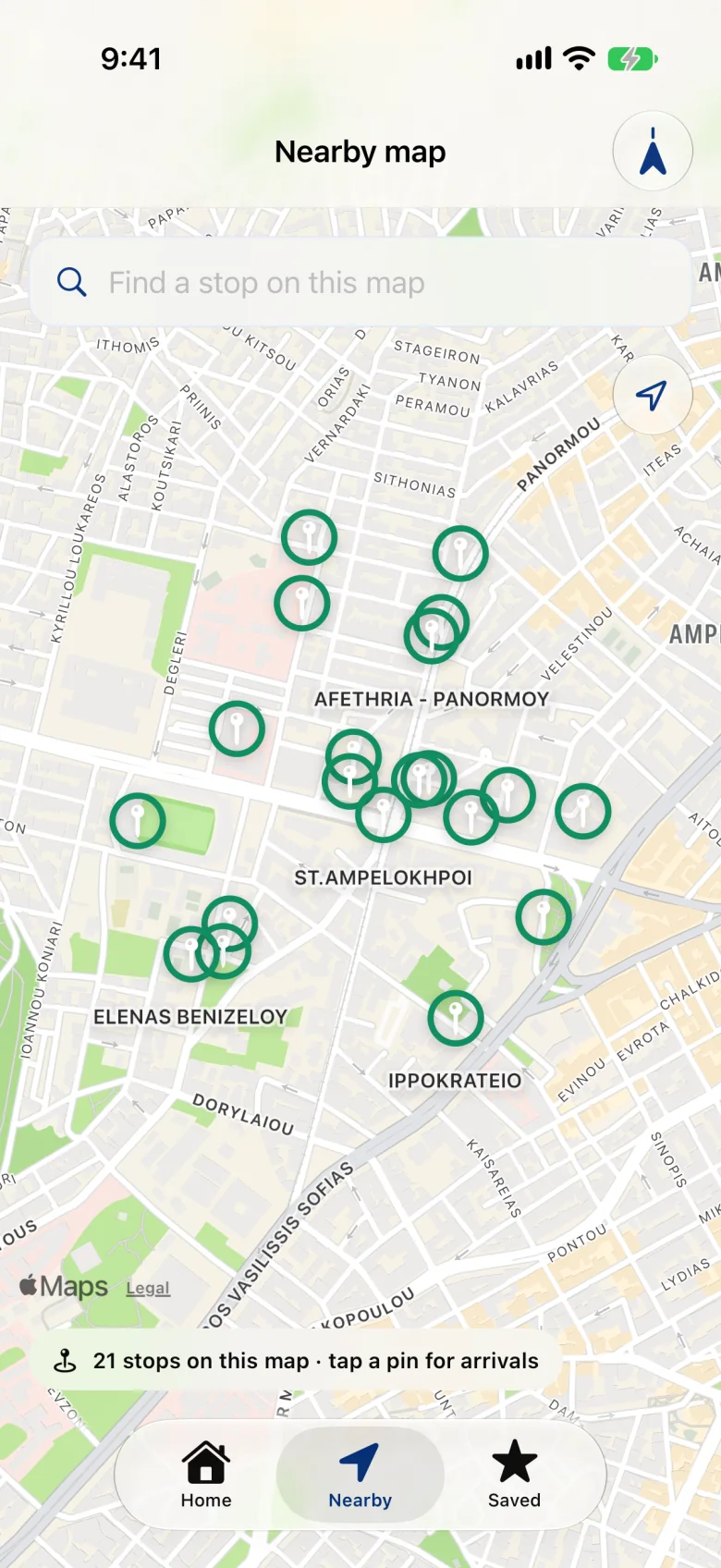
The stops around you
A map of the nearby stops. Move it and more stops load; tap a pin to see which buses are coming.
-
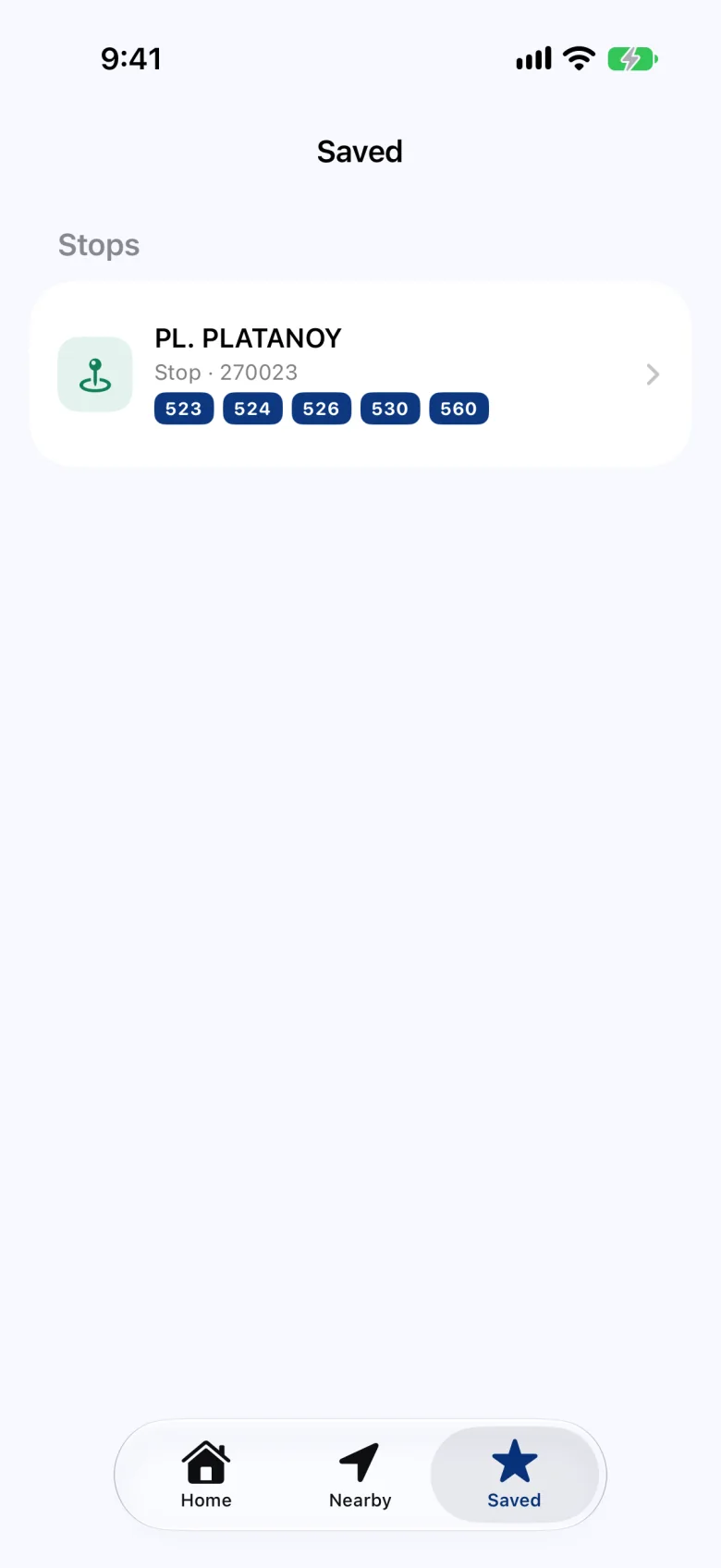
Saved, on your device
Star the lines and stops you use and they stay one tap away. They are kept on your phone, not in an account.
When it helps
Made for the moments you actually check.
-
At the stop
How many minutes until each line arrives, and the times after that, without searching for anything.
-
Before you leave
Whether a line still runs today, and when its next trip departs from the start of the route.
-
Somewhere unfamiliar
The stops around you, the lines that serve them, and where each of those lines goes.
How it works
OASA’s own data, shown plainly.
-
The source is OASA
Arrivals, bus positions, routes, stops and timetables all come from OASA Telematics, the public data service of OASA, the Athens urban transport organisation. Every time you see is OASA’s; OpenOASA does not estimate its own.
-
Live means live
A time is marked live only when OASA reports it. Published timetables are always labelled as not live.
-
Your location stays yours
To find stops near you, the app asks OASA for the stops closest to your position. Search and the map work without it, and there is no account, no ads and no analytics.
Open source
Built in the open.
The code of all three apps is public. Anyone can read how OpenOASA works, check what it does with their data, or suggest a change.
These are three native apps, not one app wrapped three times. They share a single description of the OASA API, and each app’s code for talking to OASA is generated from it, so when OASA changes something it is fixed once for all three. A daily check calls every OASA request the apps use and reports anything that stopped working.
View the source on GitHub- iPhoneSwift and SwiftUI
- AndroidKotlin and Jetpack Compose
- WebPreact and TypeScript, installable from the browser
- MapsApple Maps on iPhone; OpenOASA’s own light and dark map on the web and Android
Where it runs
On the web today, native apps next.
-
Open now
Web
Any modern browser, on phone or desktop. On a phone it can go on the Home Screen like an app: here’s how.
-
Coming soon on the App Store
iPhone
A native SwiftUI app. The screens on this page are from it.
-
Coming soon on Google Play
Android
A native Jetpack Compose app.
Every app speaks
- English
- Ελληνικά
- Deutsch
- Español
- Русский
- Українська
On your Home Screen
Add it once, open it like an app.
The web app can sit on your Home Screen with its own icon and open full screen, without the browser around it. No store and no download: your browser adds it in three taps.
- In Safari, tap in the address bar, then Share Open the web app first. On older versions of iOS, Share sits right in the toolbar; Chrome and other browsers keep it by the address bar.
- Tap View More, then Add to Home Screen View More ends the row that starts with Copy; the list opens below it.
- Tap AddOpenOASA is now on your Home Screen and opens full screen.
- In Chrome, tap Install Open the web app first: the button is at the top of Home. No button? Open the ⋮ menu and choose Add to Home screen.
- Confirm with InstallChrome asks once, in its own dialog.
- Open it from your Home screenIt has its own icon and opens full screen, like any other app.
On a computer? Point your phone’s camera here to open the web app on it.


Questions
Good to know.
Which transport does OpenOASA cover?
The buses and trolleybuses of OASA, the Athens urban transport organisation. Metro, tram and suburban rail are not included.
Is OpenOASA the official OASA app?
No. OpenOASA is an independent, open-source app. Its arrivals, routes and timetables come from OASA Telematics, OASA’s own live data service.
How do I see when my bus arrives?
Allow your location and the app opens on your closest stop. Or search for the stop’s name, a line number, or the code printed on the stop sign.
What does “live” mean next to a time?
It is OASA’s own estimate for a bus that is reporting its position. Times without it come from the published timetable.
Does it cost anything, or need an account?
No to both. OpenOASA is free, has no ads and needs no account. Saved lines and stops stay on your device.
Can I put it on my Home Screen like an app?
Yes. Open the web app, then on iPhone tap ≡ in Safari’s address bar, Share, View More and Add to Home Screen; on Android tap Install, or choose Add to Home screen from Chrome’s menu. It then opens full screen, with its own icon.
Can I see how it works?
Yes. OpenOASA is open source: the code of the web, iPhone and Android apps is public on GitHub.
Next bus, one tap away.
Free, in your browser, on any phone.
Open the web app openoasa.lazanasdimitrios.workers.dev